FAQ
Short answers to common questions.
Does the app modify my original files?
Never. Adjustments, ratings and metadata live in the session file; originals are only read.
Why does my image look different from other RAW developers?
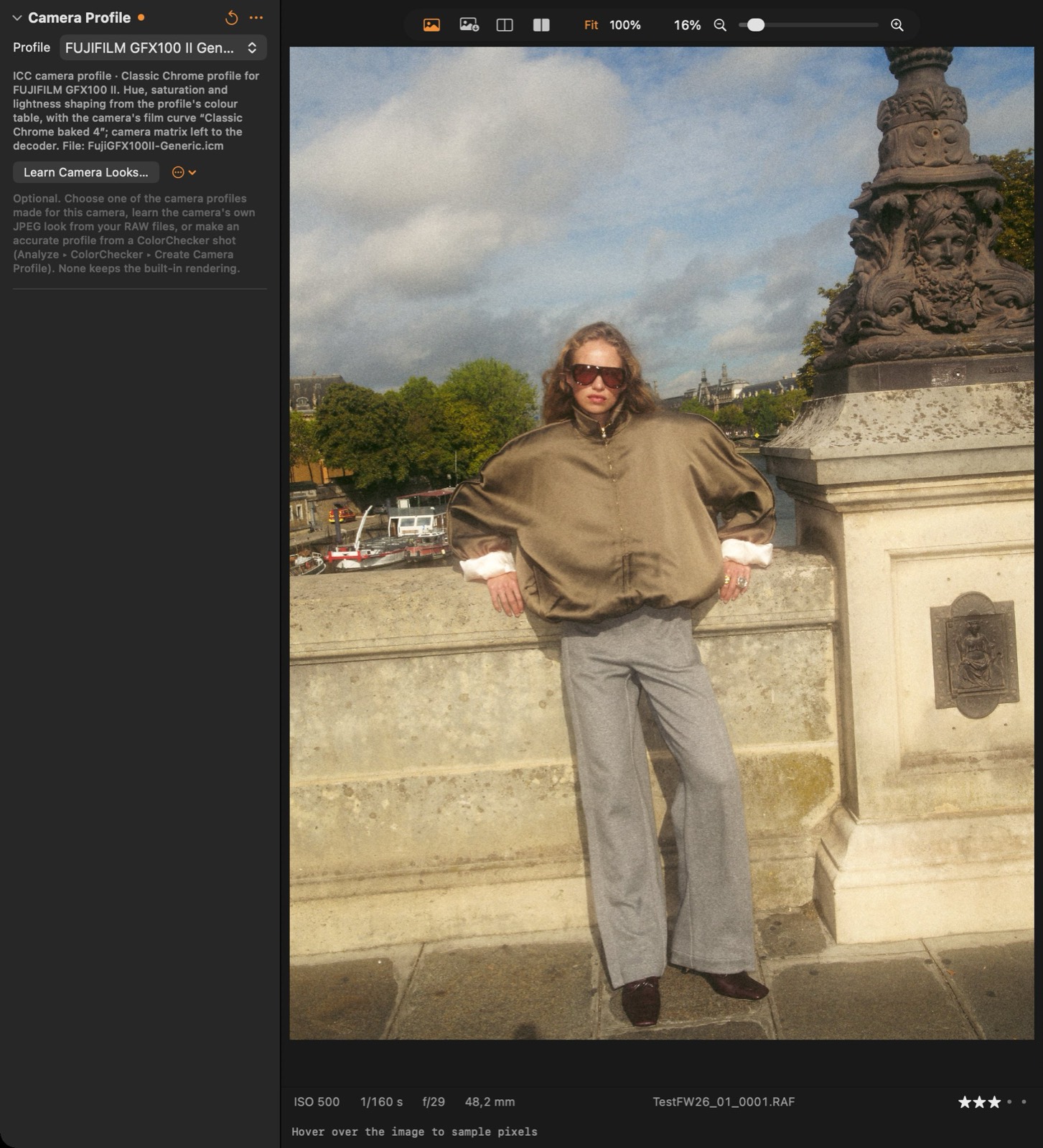
Each engine has its own camera profiles and base curve. Use Learn Camera Looks or a ColorChecker profile to bring them close.
Can I use the app without a session?
Yes — File ▸ Open Image… works on single files. Sessions add browsing, ratings, albums and batch export.
How do I sync looks between Macs?
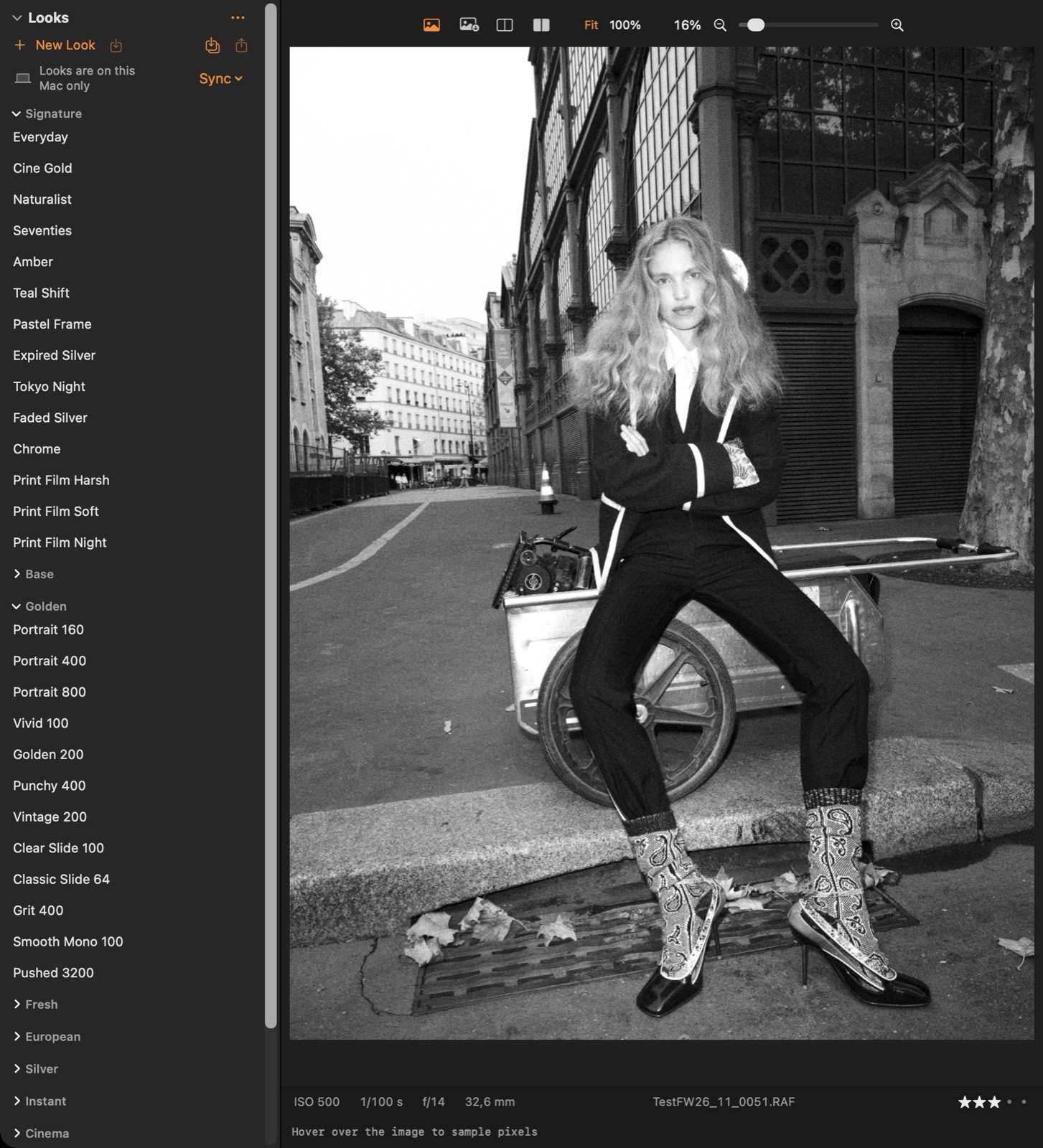
Looks ▸ Sync ▸ Sync Looks via iCloud Drive…, then choose the same folder on every Mac.
How do I use my looks on the iPhone?
Looks ▸ Sync ▸ Sync Looks with iPhone (iCloud), and Sync My Looks with iCloud in the camera’s Settings: looks you make on either device appear on the other, sealed so that only your devices can read them. Without sync, right-click a look ▸ Export .cllook… and AirDrop the file to the phone; looks made on the phone come back the same way with Share.
The exposure warning shows nothing.
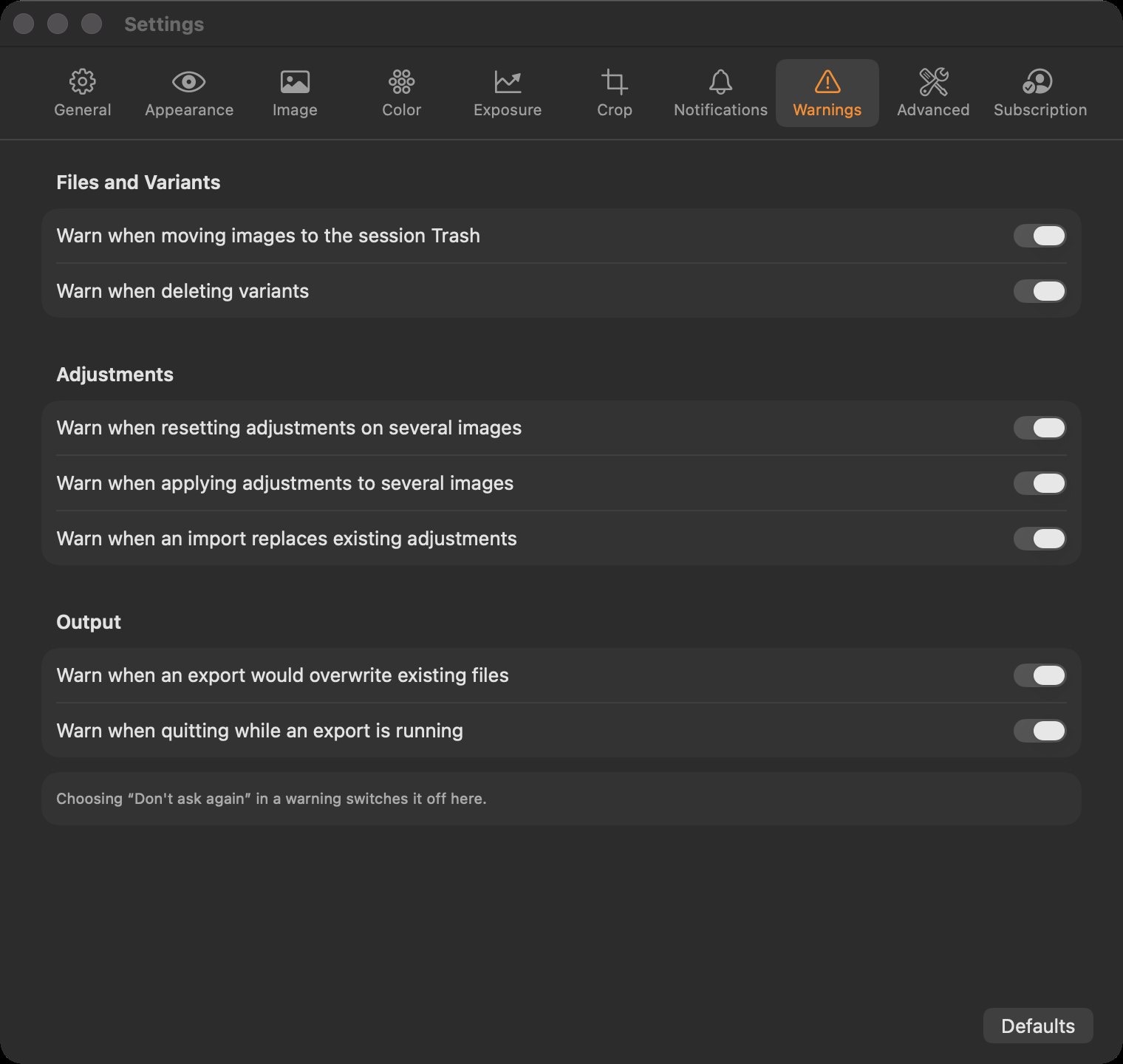
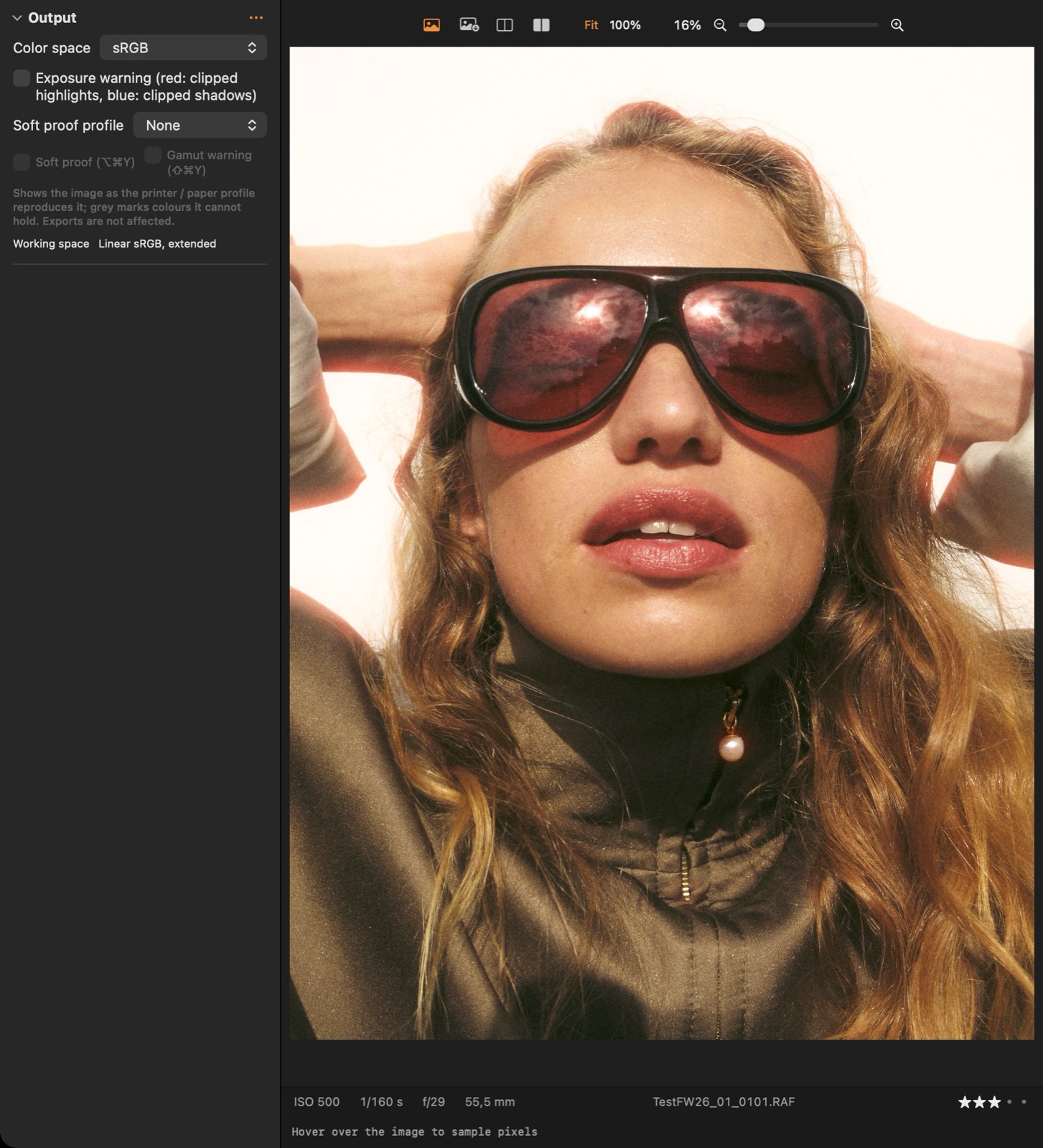
It marks output values at the thresholds set in Settings ▸ Warnings (by default 255 and 0). Toggle it with ⌘E.
How do I see what one adjustment is doing?
Hold ⌥ while you drag its slider: the viewer splits into that tool off (left) and on (right) until you let go. Y toggles the whole image before / after.
Can a client rate images without the app?
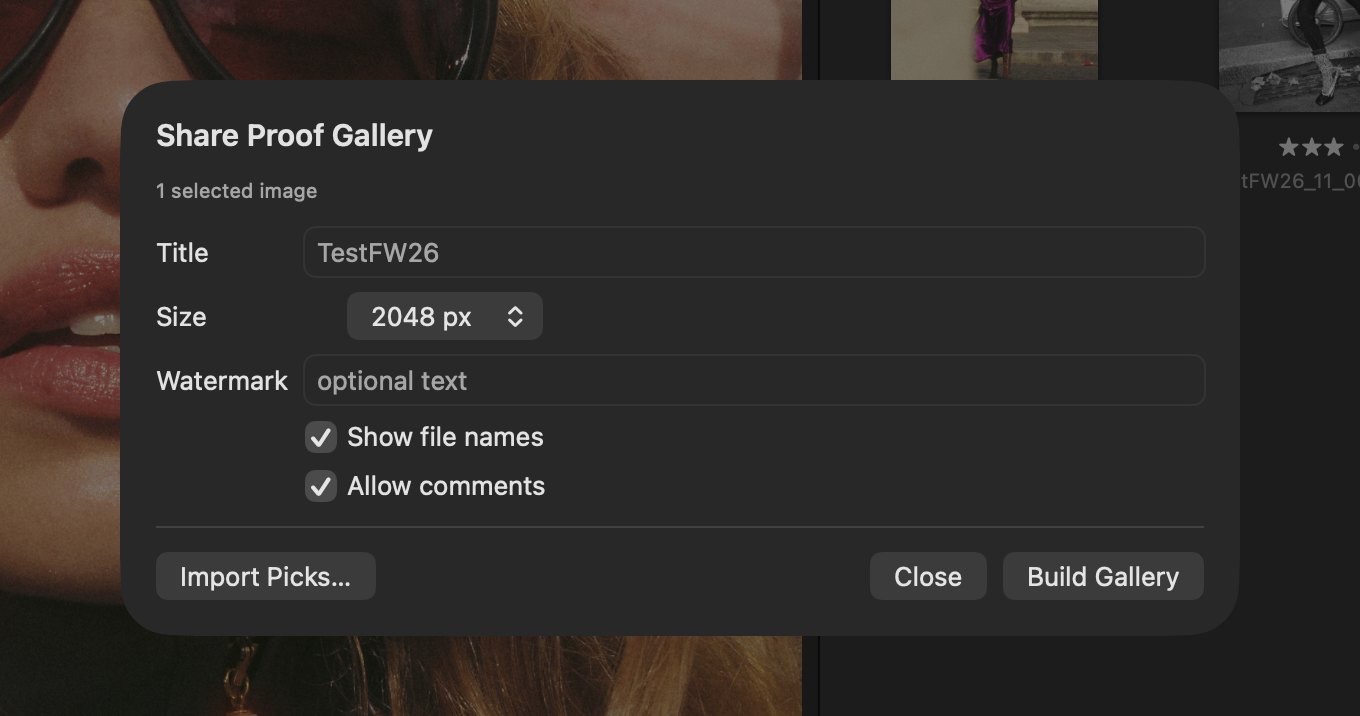
Yes: File ▸ Share Proof Gallery… (or right-click an album ▸ Share Album… for a gallery that follows the album) makes a web page they open on a phone or laptop on the same Wi-Fi; their colour tags and comments arrive live, and the page updates by itself when you change the images. Off-site, send the folder: there they can also rate, and you import their picks.json.
How do I preview a print?
Develop ▸ Output ▸ Soft proof profile: pick the printer / paper ICC profile, then Soft proof (⌥⌘Y). Gamut warning (⇧⌘Y) greys colours the paper cannot reproduce.
How do I move images with their adjustments to another Mac?
Pack them: File ▸ Export Package… for a selection, or right-click an album ▸ Export Album as Package…. On the other Mac, double-click the .clpack file (or File ▸ Open Package…): the originals land in a Capture subfolder with every adjustment, variant, version, rating, colour tag and metadata, and an album shows them.