Scan in seconds
Volumes and folders are read with the same bulk system calls Finder uses, across every core.
Space Buster
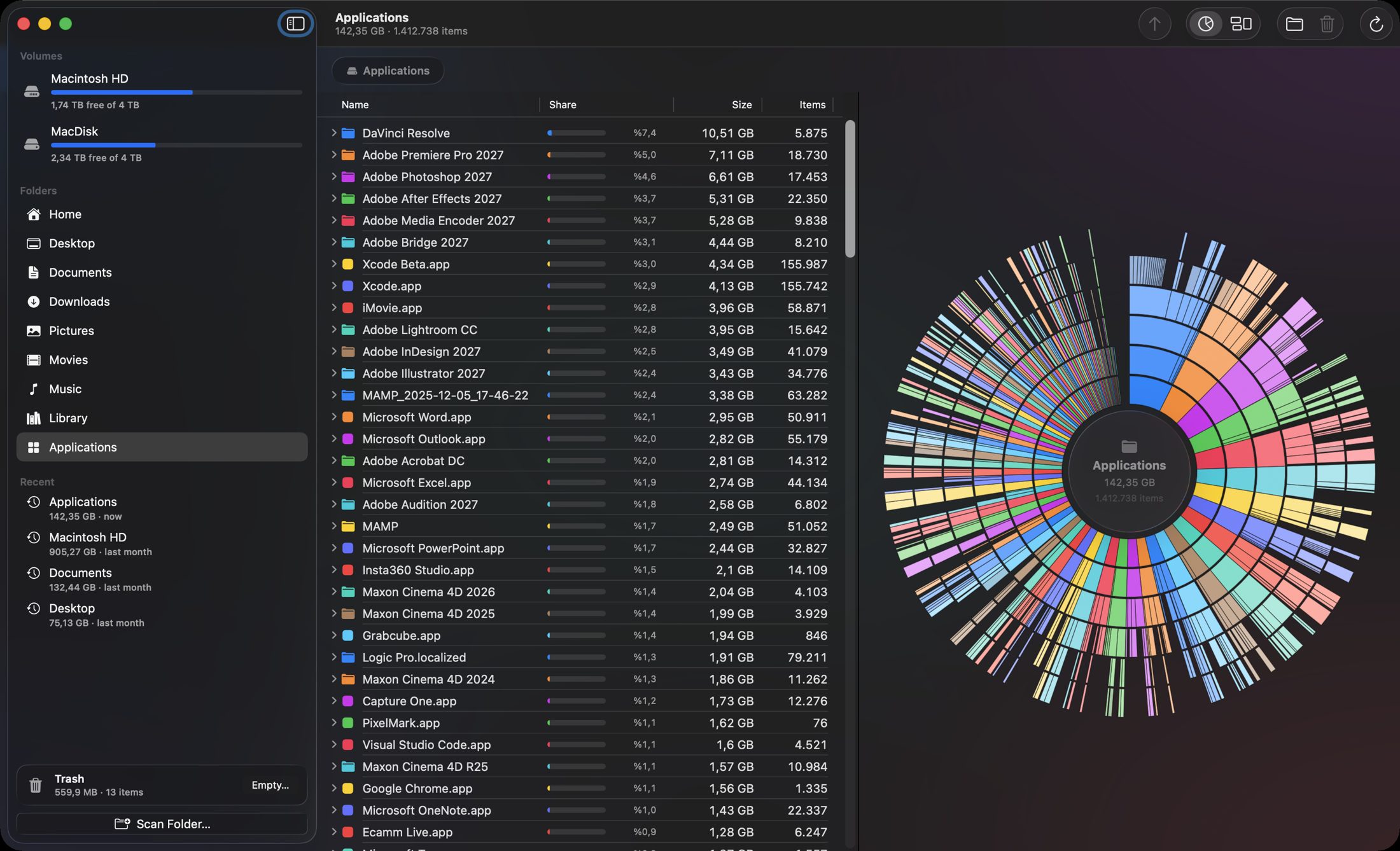
Sunburst rings, six levels deep. Click to zoom in, click the centre to go back.
Introducing Space Buster
Native macOS app built with SwiftUI and Liquid Glass. Works entirely on your Mac.
Volumes and folders are read with the same bulk system calls Finder uses, across every core.
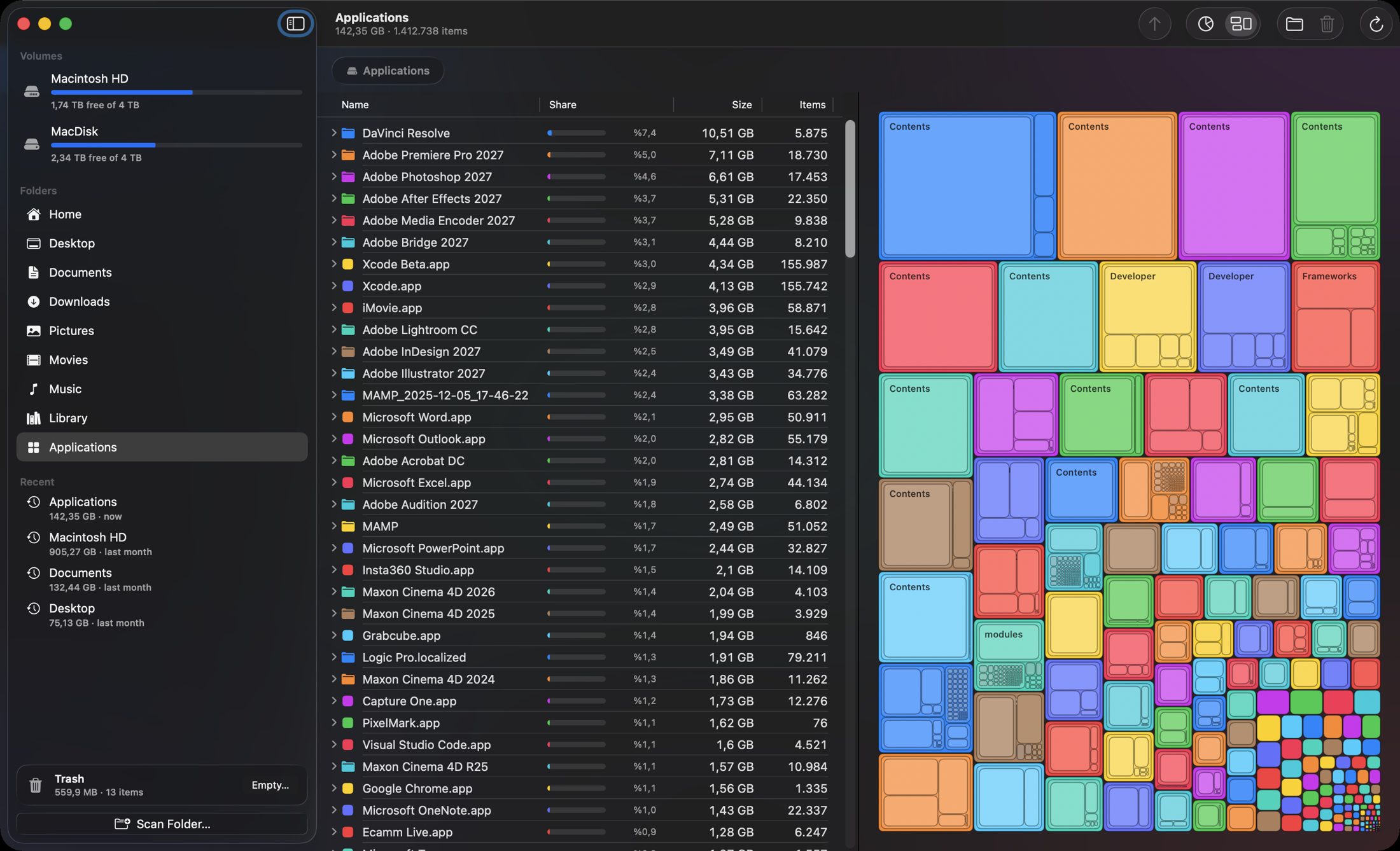
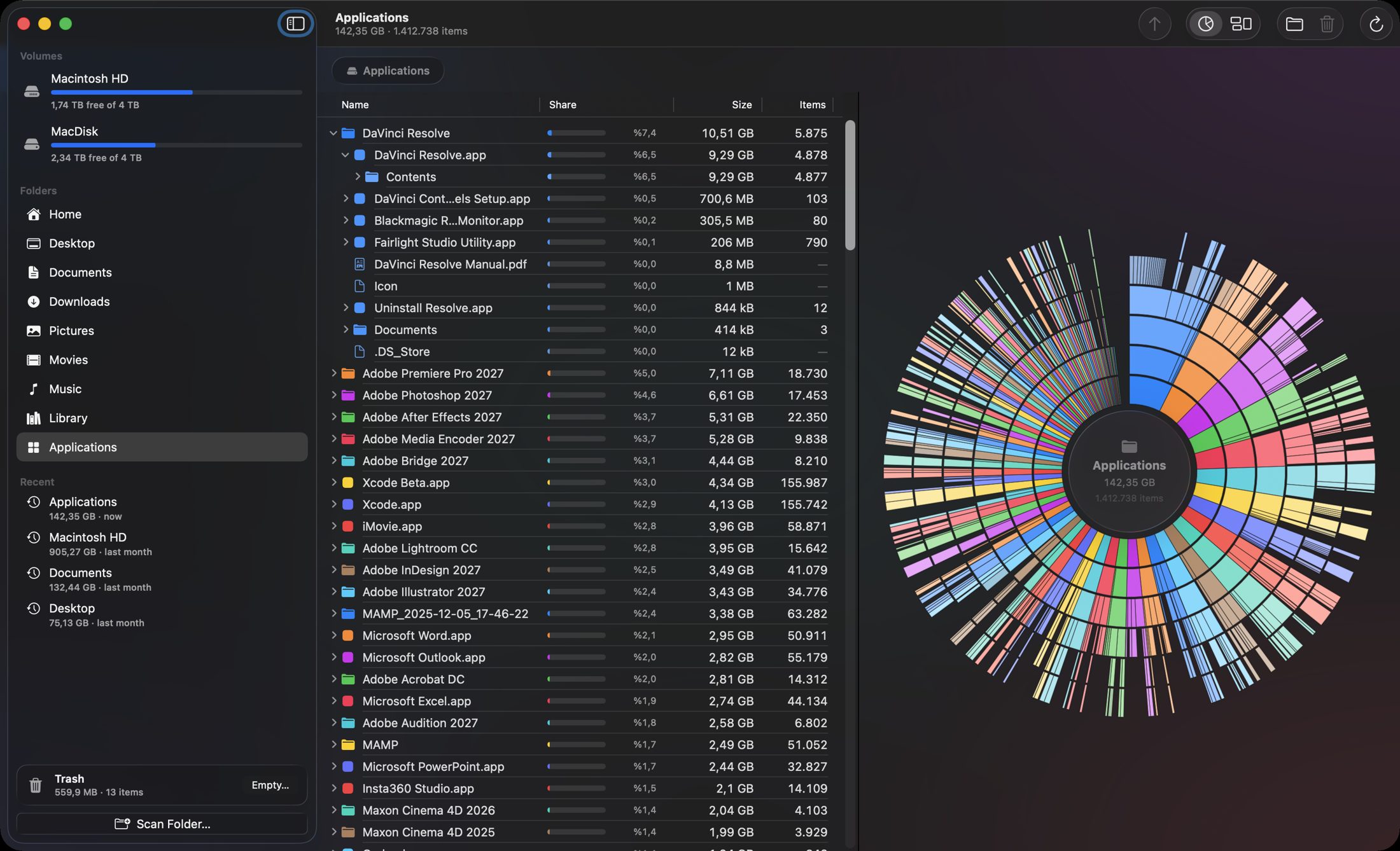
Sunburst rings, a treemap and a table share one colour per folder, so everything lines up.
Trash files, uninstall apps with their leftovers and empty the Trash — totals update instantly.
Most disk analyzers stop at showing you the problem. Space Buster lets you fix it in the same window: delete a folder and the rings, the treemap and the totals update immediately, with nothing to rescan. Scans you have already made are reused, so scanning Downloads and then the whole disk never reads Downloads twice.
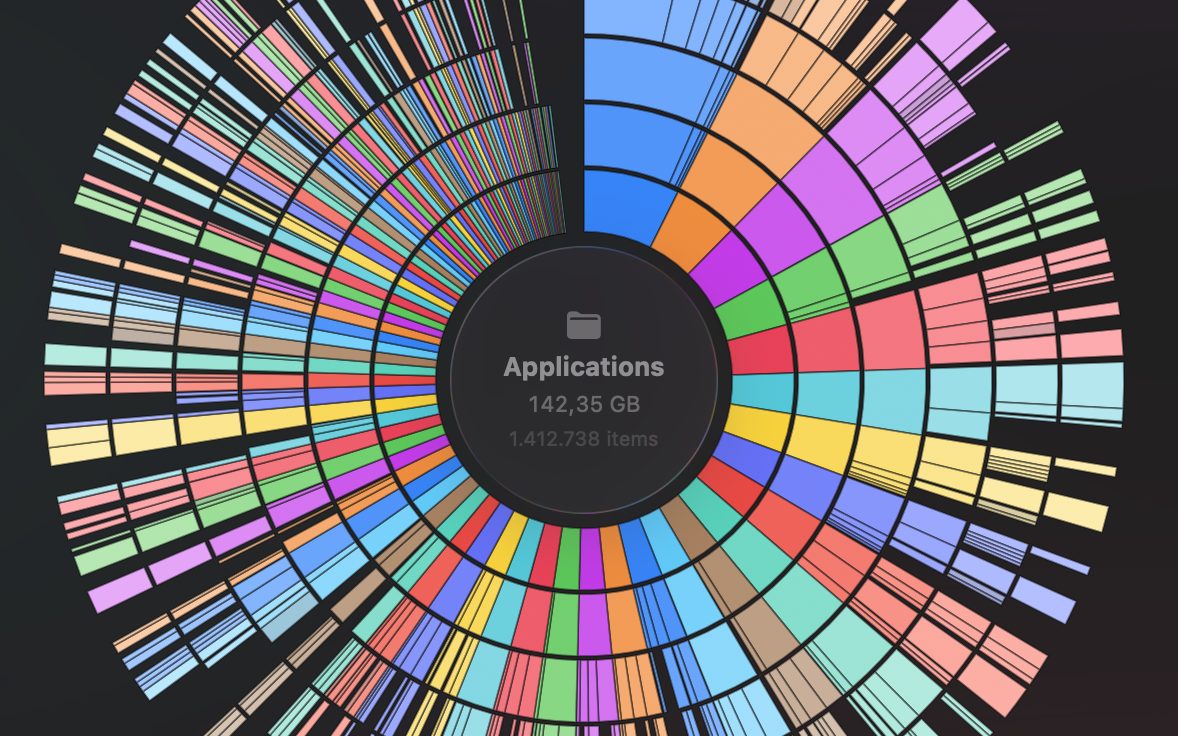
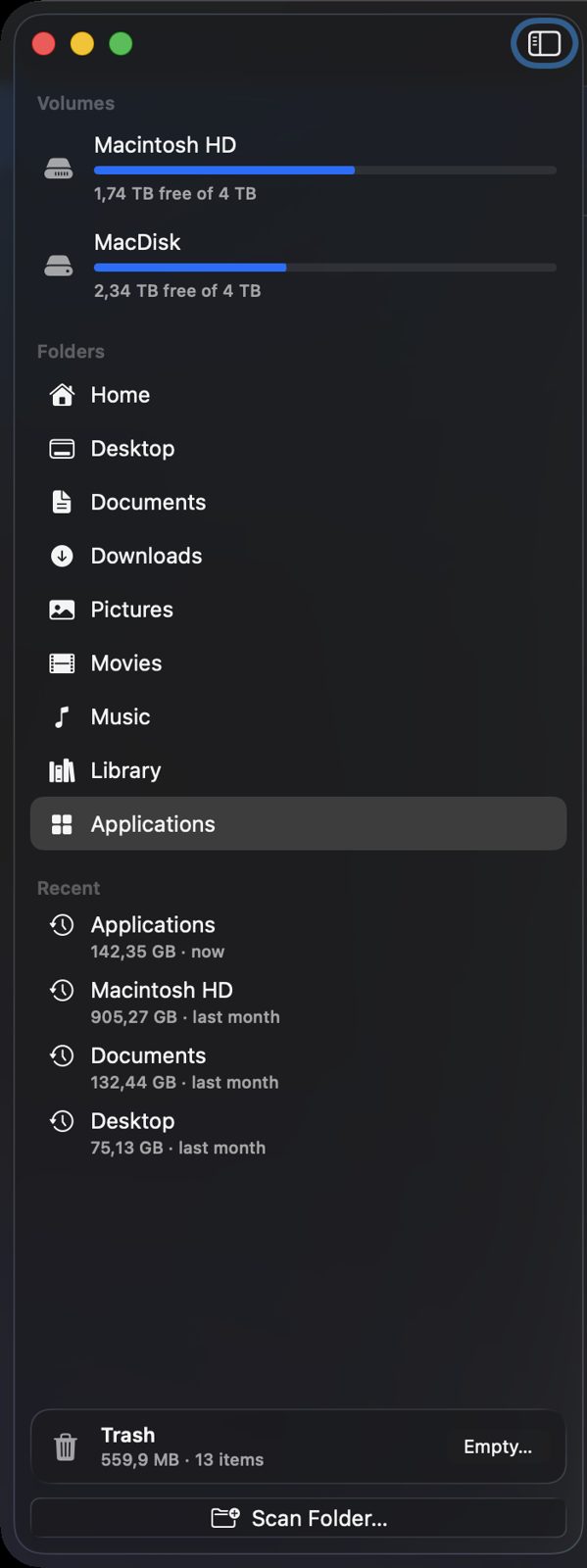
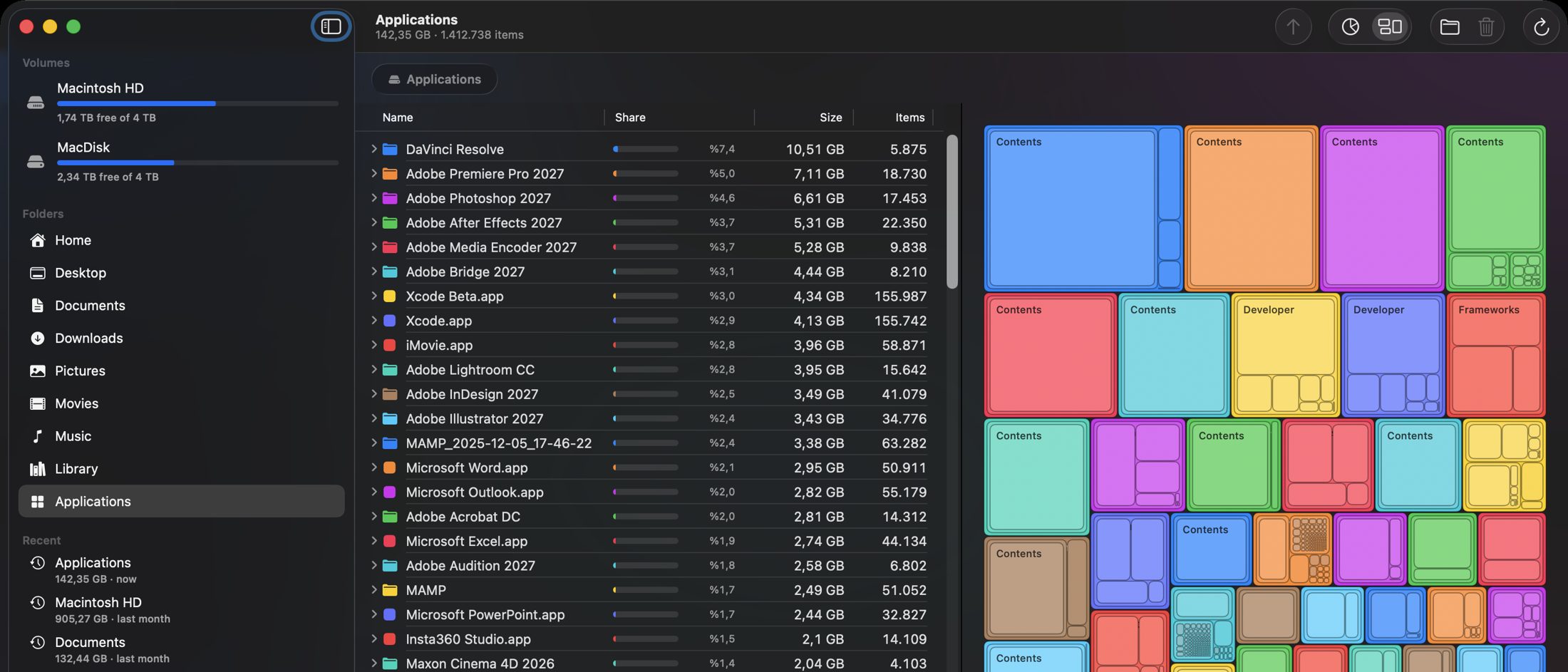
Six levels of nesting around an interactive hub; hover for size, share and item count.
Squarified tiles with three levels and labels where they fit.
Name, share bar, size and item count, largest first; expand folders inline.
Allocated size, so totals match du and reflect APFS compression.
Symbolic links are never followed and mount points are skipped.
Scan a folder, then the whole disk: the folder isn’t read again.
From the context menu, the toolbar or ⌘⌫, with multi-selection.
Sizes, percentages, sort order and both charts update immediately.
Pick up changes made by other apps without scanning everything again.
Application Support, caches, preferences, containers, logs, launch agents, receipts and more.
Every item is listed with its size and a checkbox.
Asks for your administrator password once per batch, through the standard macOS dialog.
The Trash size across all volumes, with an Empty button.
Refreshed after every operation, for internal, external and network volumes.
Detected automatically, with a one-click jump to the right Settings pane.
Specifications
FAQ
It is distributed directly, signed with Developer ID and notarized by Apple, so it can use Full Disk Access and remove items owned by the system when you ask it to.
It’s optional but recommended. With it, every folder scans without further prompts; without it, macOS asks once each for Desktop, Documents and Downloads, and folders it refuses are marked with a lock.
Some items, such as apps installed by an installer, launch daemons and receipts, belong to the system. Space Buster asks once per batch through the standard macOS dialog and reuses the permission for a few minutes.
No. Only the folders above the removed items are rebuilt, so the charts and totals update immediately. Use Rescan Folder to pick up changes made by other apps.
Items protected by System Integrity Protection, everything under /System, cannot be removed by anyone, and the app says so.
Download the latest release for your Mac.
Requires macOS 26.7 or later · Apple silicon and Intel · Notarized by Apple